List Your Phone Repair Shop in Nairobi
15 October 2026 · 4 min read · How-To Guides
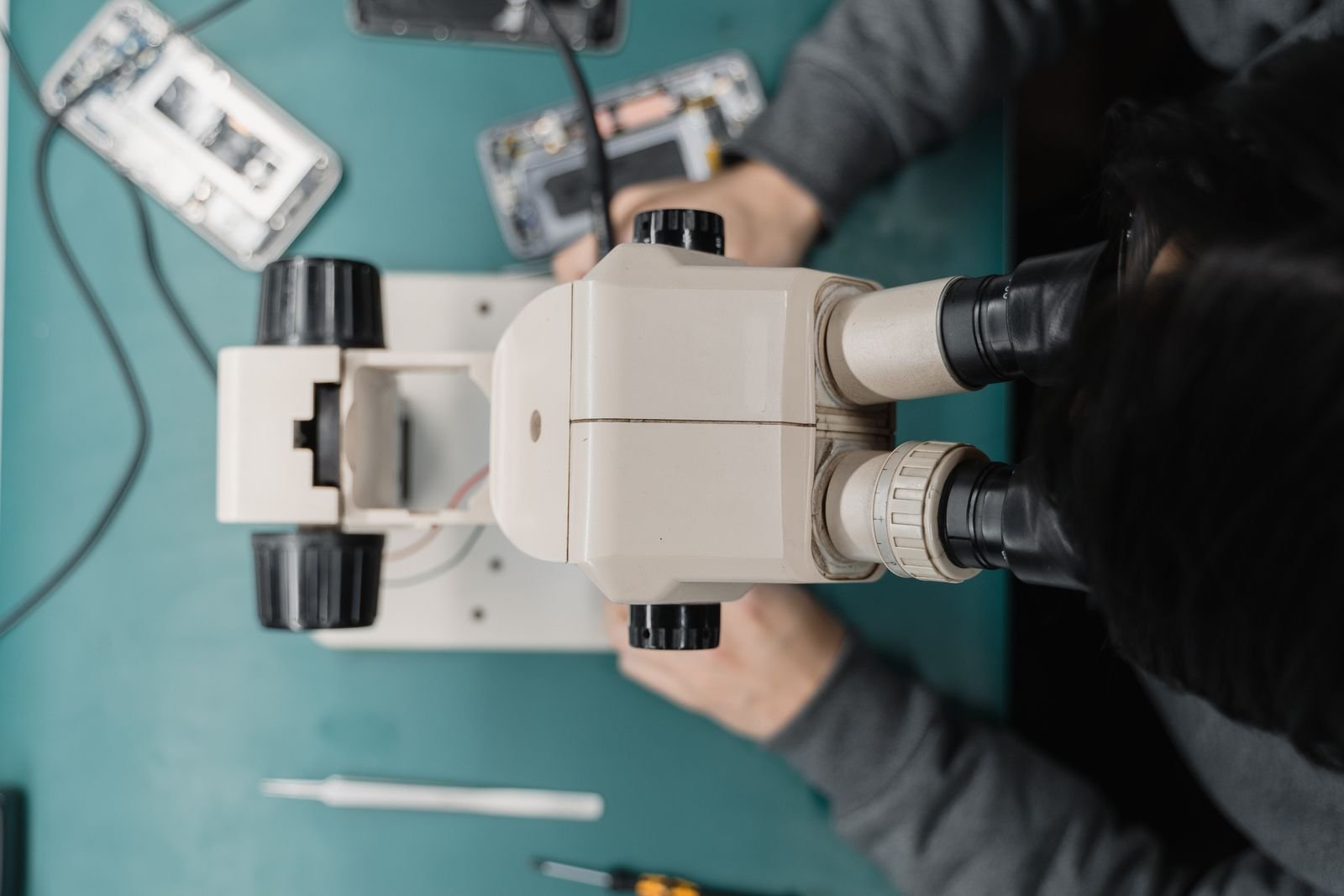
Almost everyone in Nairobi depends on a phone, and many also depend on a laptop for work, school or business. When a screen cracks, a charging port stops working or a laptop refuses to boot, people need help fast. Phone and computer repair shops are found all over the city, from small stalls along Moi Avenue and Luthuli Avenue to repair desks in Westlands, Kasarani, Rongai and Kitengela. Most of them grow through walk-ins and word of mouth. But more people now search online first, because they want to know who they can trust with a device that holds their photos, M-Pesa and work files. This guide shows how to present your repair business on Cottlink so the right clients find you and feel confident calling.
If you are new to getting found online, start with our general guide to listing a small business online in Kenya, then come back for the repair-specific steps below.
Why trust matters more for repair businesses
A client who hands you a phone is handing you their contacts, messages, photos and money apps. Their biggest fears are simple: will the device be fixed properly, will original parts be swapped, will their data be safe, and will they be charged more than agreed. Your listing should answer those fears before they ask. Clear details, real photos and honest policies do more than any big promise.
1. Choose a clear name and the right category
Use the name on your shop sign or business registration so clients recognise you when they arrive. Choose the category that fits your main work, then explain your speciality in the description. Be specific. "Phone and laptop repair" is fine, but "Samsung, Tecno, Infinix and iPhone screen and charging port repair, plus laptop software and keyboard repair" tells a client right away whether you can help.
2. List the services you really offer
Only list work you do yourself or reliably arrange. Common repair services include:
- Screen and glass replacement
- Battery replacement
- Charging port and speaker repair
- Water damage assessment
- Software flashing, updates and virus removal
- Laptop keyboard, screen, hinge and fan repair
- Storage upgrades and operating system installation
- Data backup and transfer
- Accessories such as chargers, cases and screen protectors
If you do not handle something, such as board-level repair or certain brands, say so. Clients appreciate honesty, and it saves you calls you cannot use.
3. Make your location easy to find
Many repair shops are inside busy buildings with dozens of stalls. Add your town and estate, drop an accurate map pin, and write a short direction note, for example the building name, floor and stall number, or a nearby landmark. If you offer pickup and drop-off or come to offices, mention the areas you cover.
4. Show real photos of your shop and work
Photos build trust quickly. Add a clear picture of your shop front or stall, your workbench, and a few before-and-after shots of repairs. Make sure no client's personal information, such as a lock screen with messages, shows in any photo. Avoid stock images of devices you have not worked on. Real photos of a tidy, well-lit workspace tell a client you take the job seriously.
5. Explain how you handle pricing and quotes
You do not need to post a fixed price list, because costs depend on the model, the part and its availability. What clients want is to know how pricing works. Explain whether diagnosis is free or charged, that you give a quote before starting work, and that you will call before doing anything extra. If you offer different part options, explain the difference plainly so clients can choose. Never post prices you cannot honour.
6. Share your warranty and data policy
These two details often decide whether a client calls you or the next shop.
- Warranty: If you guarantee your repairs for a period, state how long and what it covers. If you do not offer a warranty on some parts, say so.
- Data: Explain how you treat client data. For example, you may ask clients to back up first, avoid opening personal files, and return the device with data untouched unless they asked for a reset.
- Collection: Say how long you keep unclaimed devices and how clients will be notified.
7. Hours, turnaround and contact
Add your opening hours and say whether simple jobs can be done while the client waits. For longer jobs, give a realistic idea of turnaround and say how you will update the client. Add a phone number you actually answer and a WhatsApp number, because many clients prefer to send a photo of the damage first. Quick, polite replies win jobs.
8. Ask for reviews and answer them
After a successful repair, ask the client to leave a short review on your Cottlink profile. Reviews that mention the device, the problem and how quickly you fixed it are the most useful to future clients. If someone leaves a negative review, reply calmly and explain how you solved or will solve the issue. Other trades follow the same approach; see how we advise electricians listing in Nairobi to handle reviews and call-outs.
Quick checklist before you publish
- Business name and the right category.
- A clear list of repair services and brands you handle.
- Town, estate, map pin and direction note.
- Real photos of your shop and repairs, with no client data showing.
- How diagnosis, quotes and part options work.
- Your warranty, data and collection policies.
- Opening hours, turnaround and WhatsApp number.
List or claim your repair business on Cottlink
Ready to get found by people searching for phone and computer repair in Nairobi? List your repair business on Cottlink in a few minutes. If your shop is already on the site, claim your business to update your details and photos yourself. You can compare listing options on the Cottlink pricing page. Need help setting up your profile? Email listings@cottlink.com or call 0704625414.